Third-Party Standard Integration Configuration
-
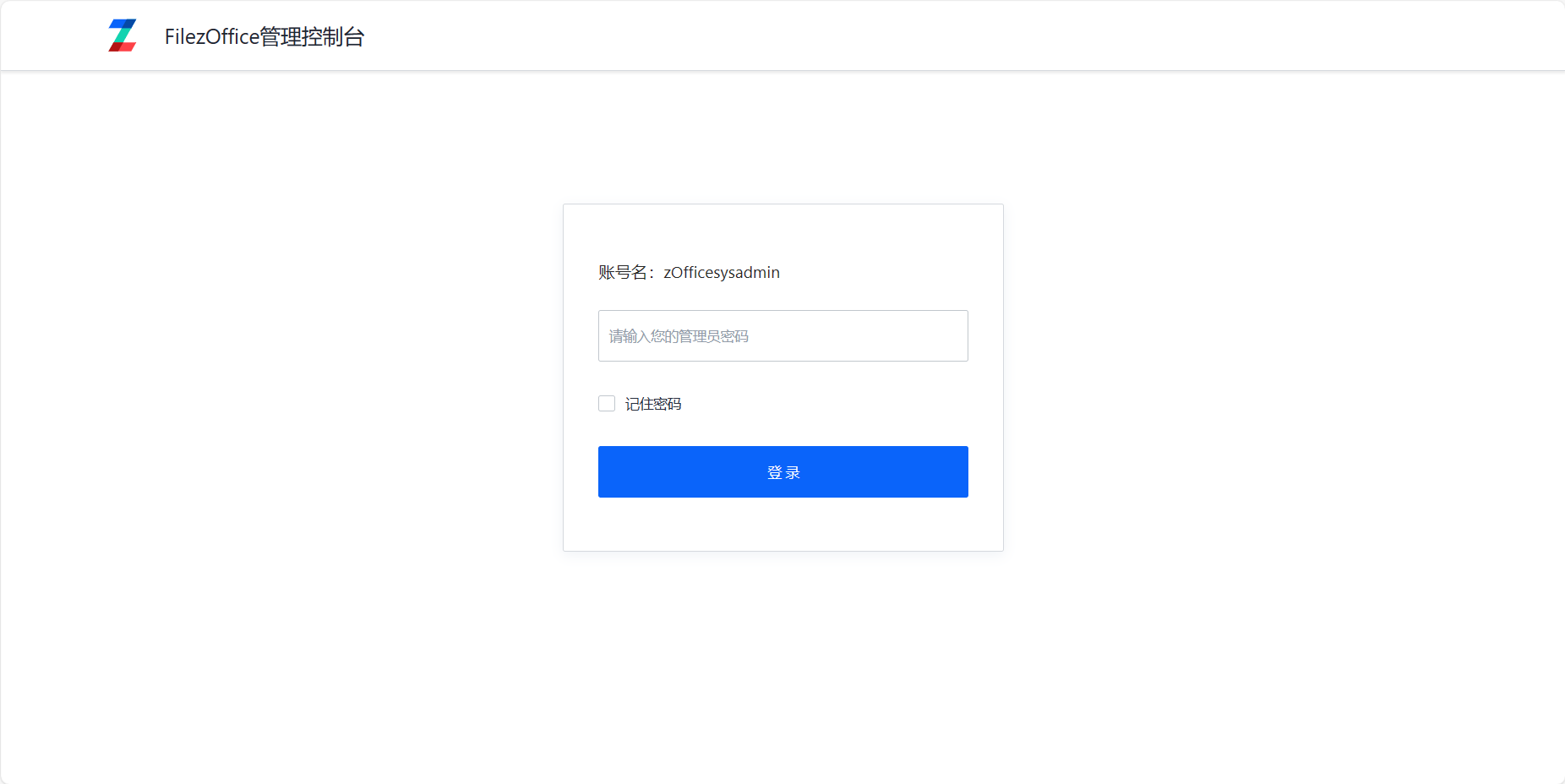
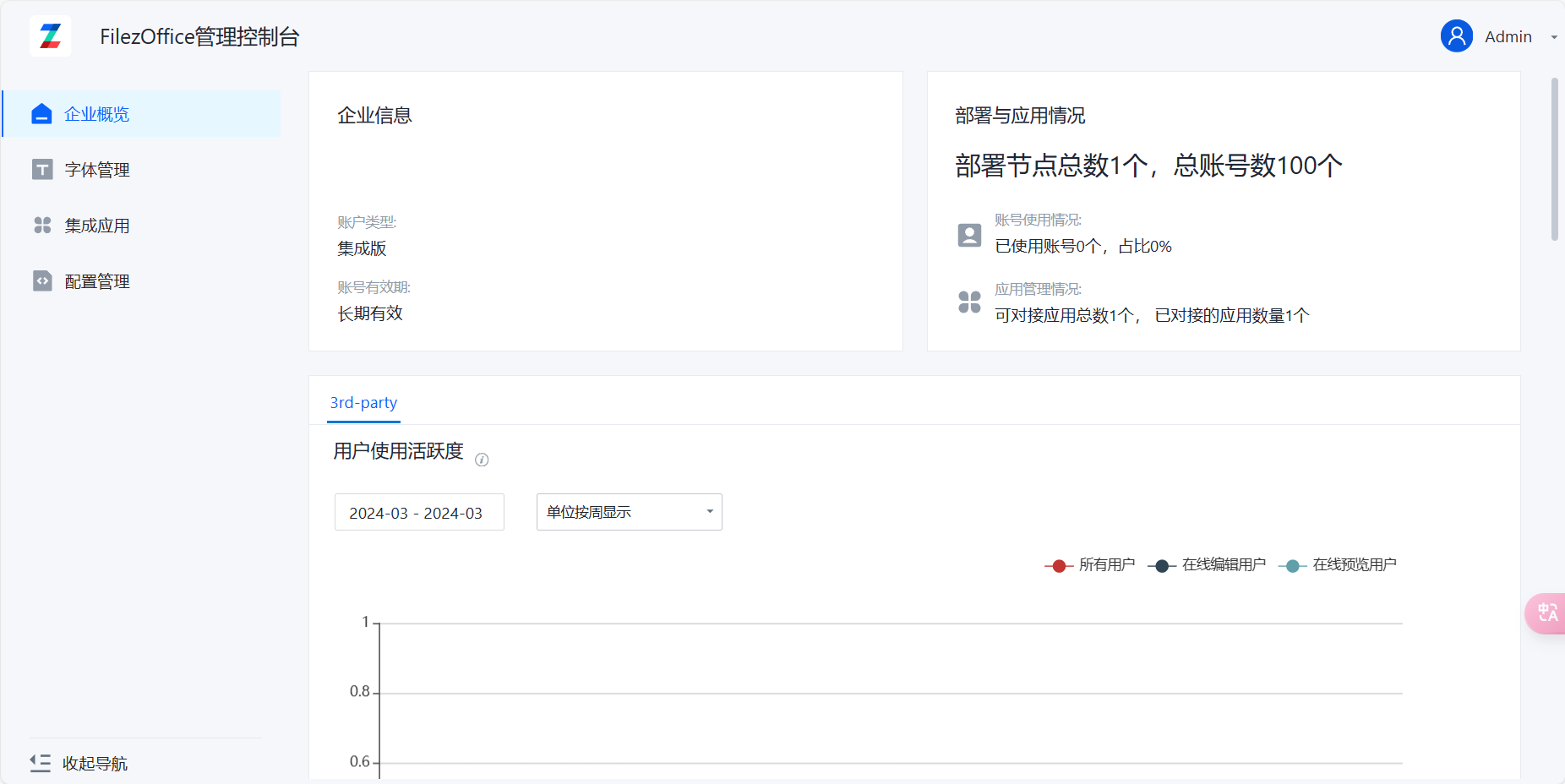
Log in to the management console (docs/app/admin), default password is admin.
-
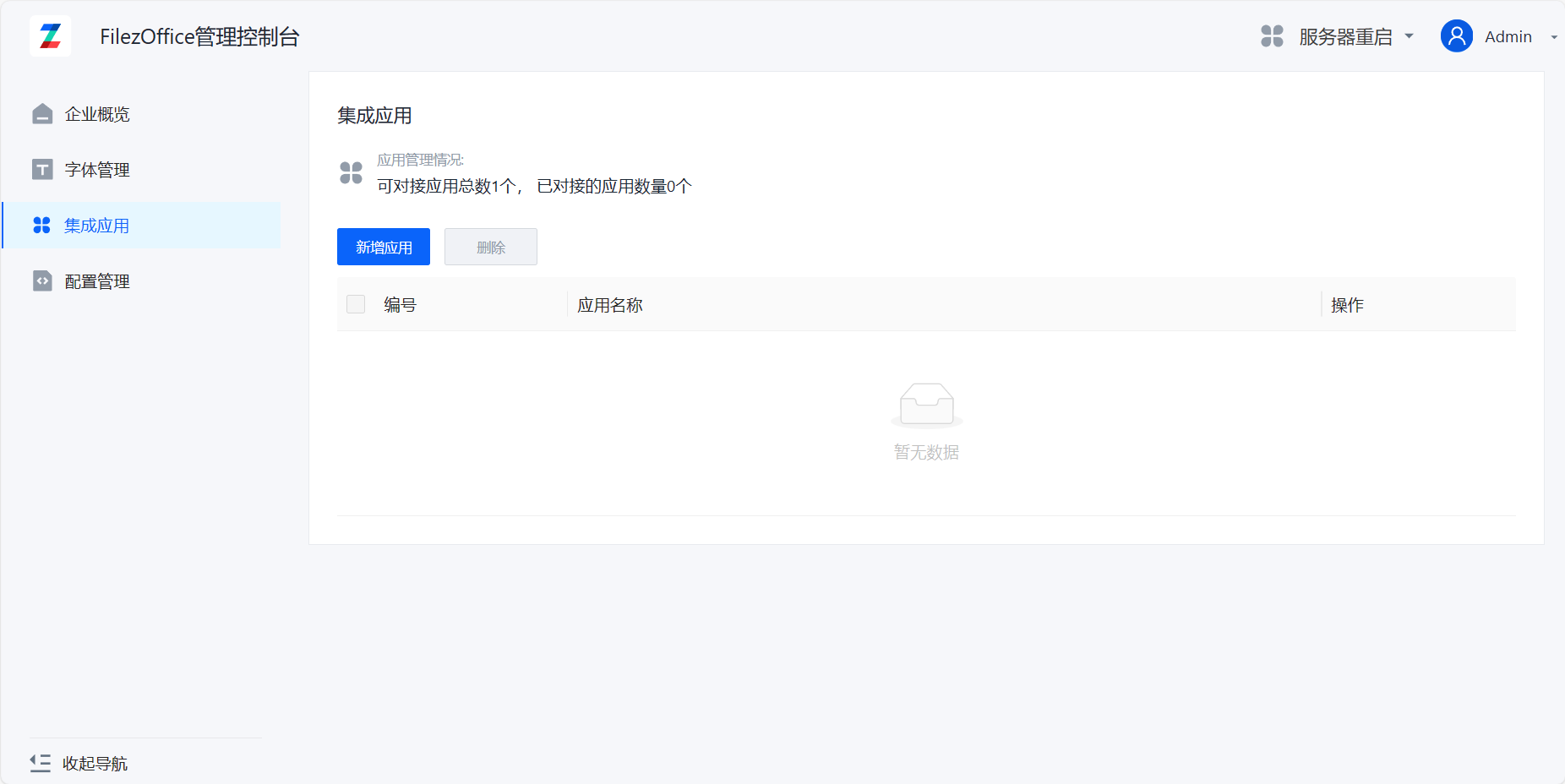
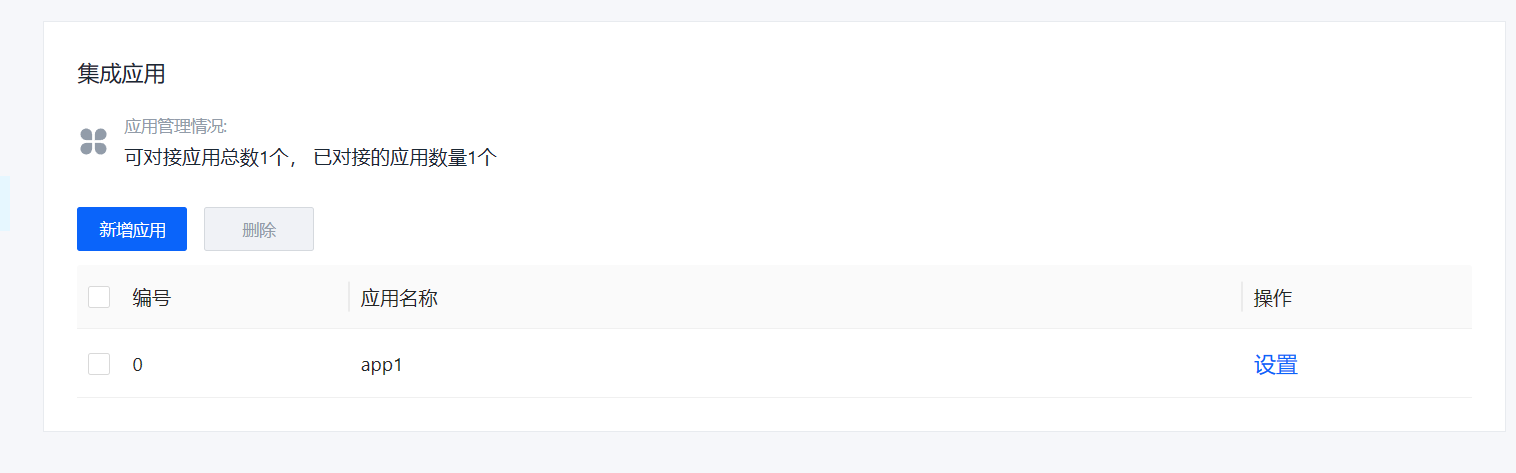
Click on Integration Applications to enter the integration configuration page
-
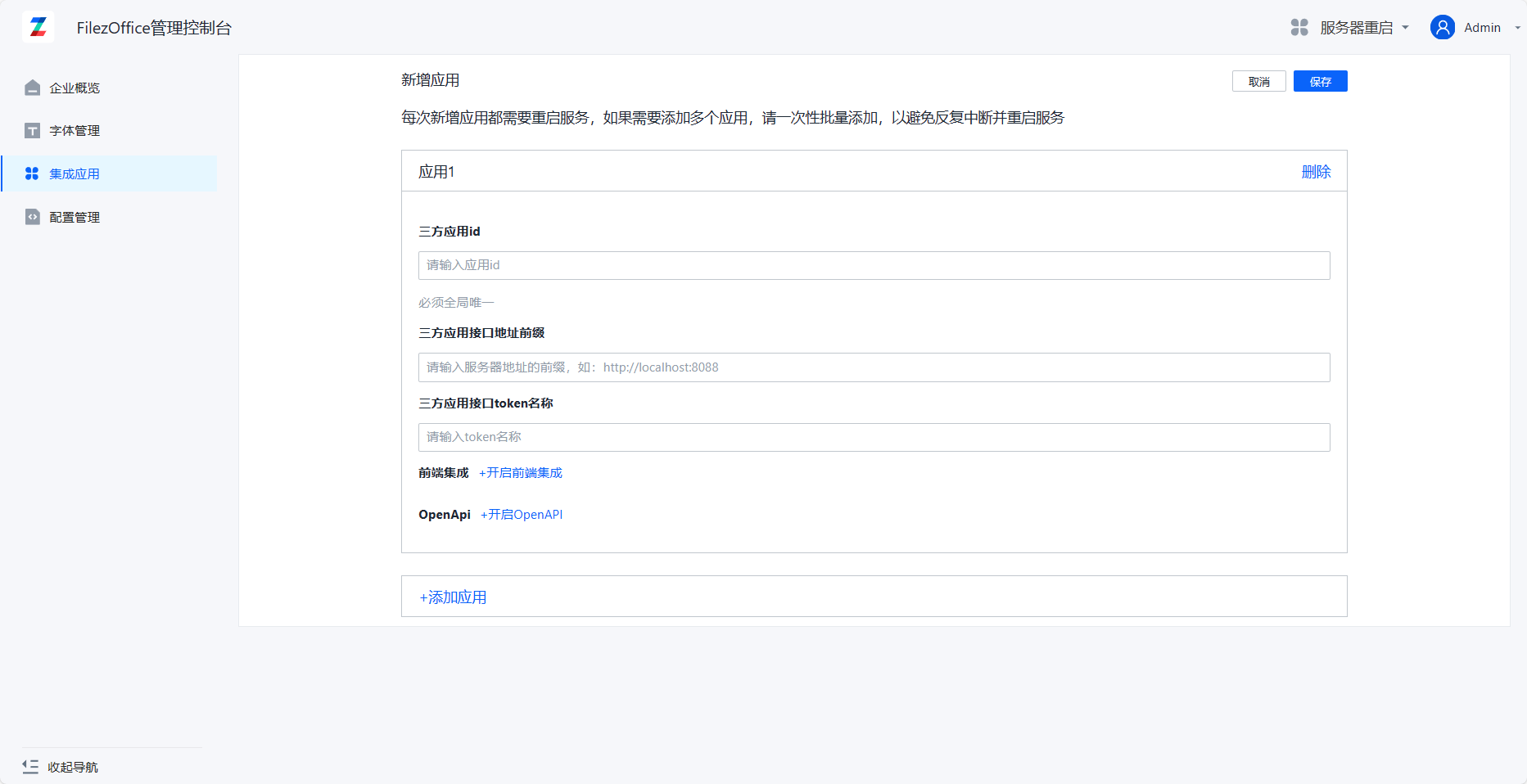
Click Add Application to enter the add application page
-
Fill in application information: Third-party Application ID and Third-party Application Interface Address are required fields, others are optional. Third-party Application Interface Token Name defaults to zdocs_access_token. Click Add Application below to add multiple application integrations at the same time.
-
After filling in, click Save. You can see the new application appear in the application list.
After completing the integration configuration, please ensure that all API interfaces can be accessed normally. It is recommended to verify in a test environment first.