Frontend Integration Method Configuration
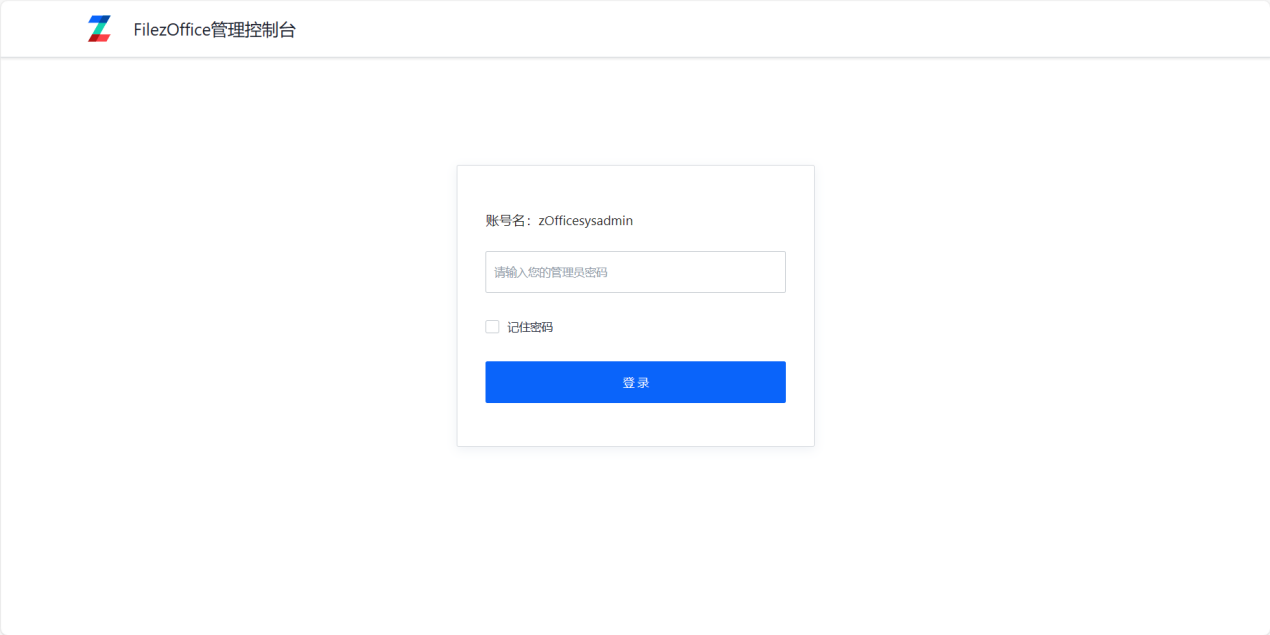
- Log in to the management console (docs/app/admin), default password is admin.
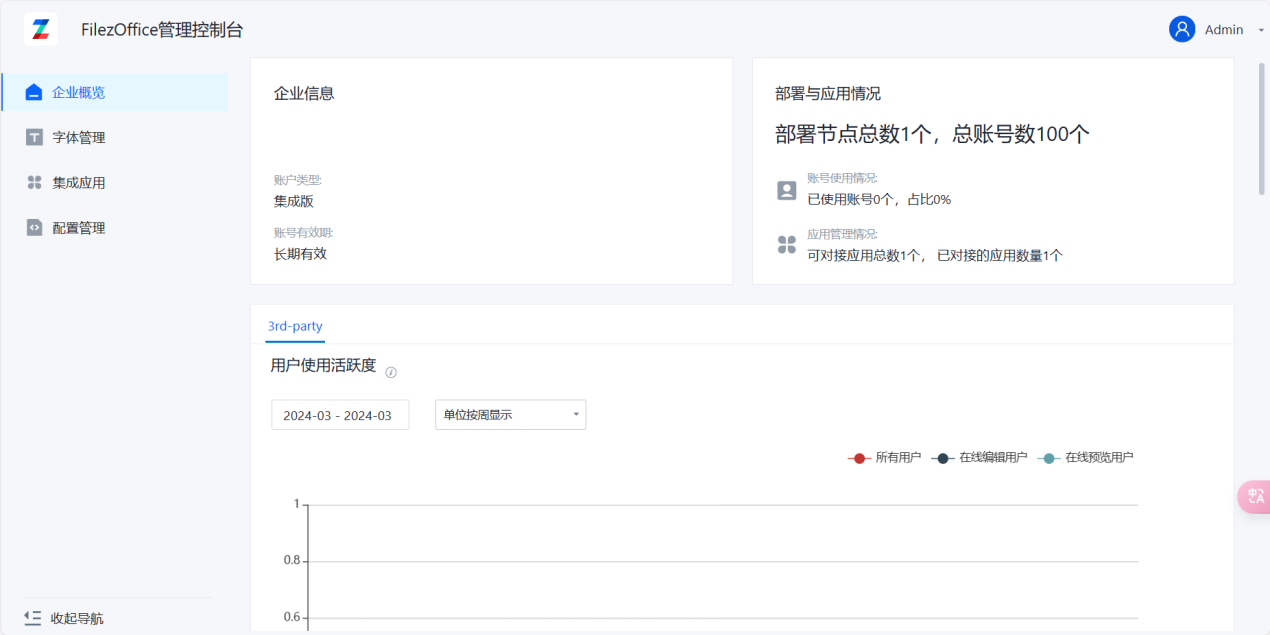
- Click on Integration Applications to enter the integration configuration page
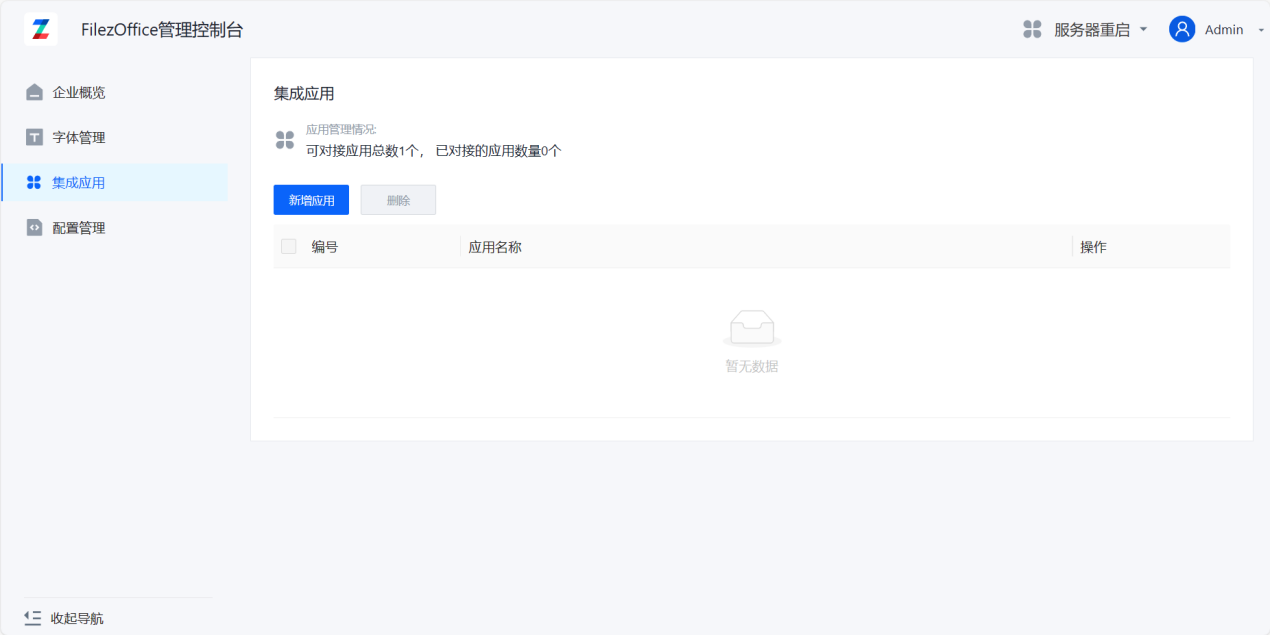
- Click Add Application to enter the add application page
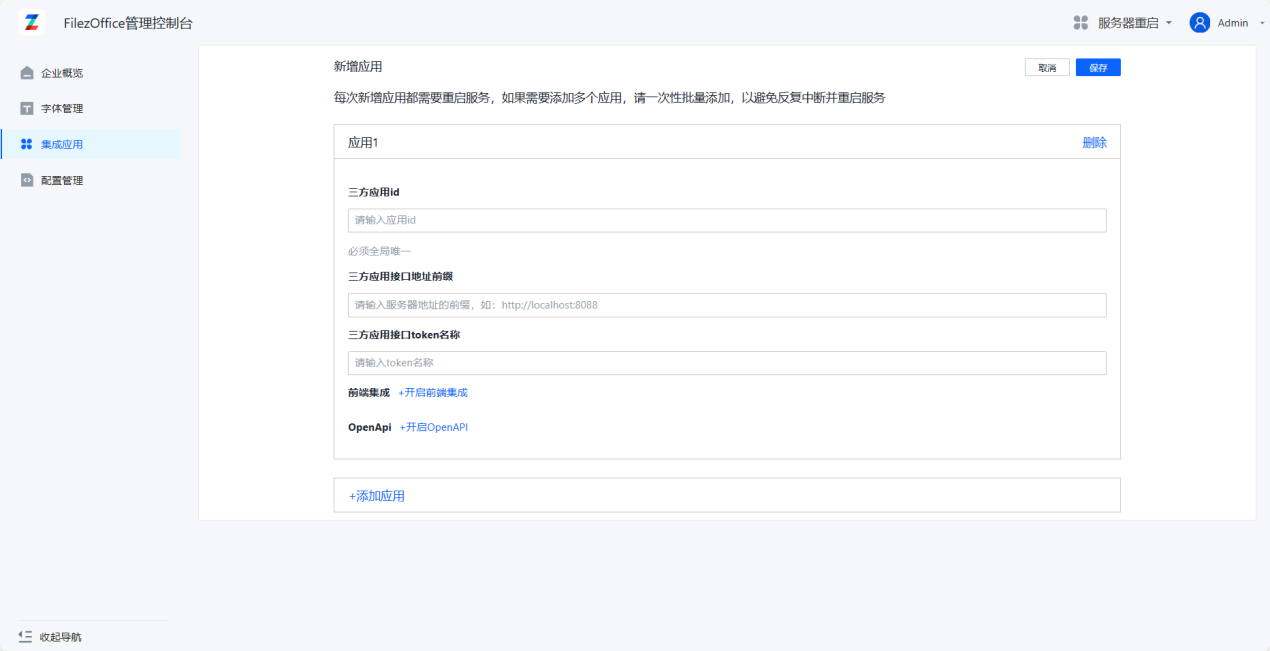
- Fill in application information:
Third-party Application ID and Third-party Application Interface Address are required fields, others are optional. The Third-party Application Interface Address will constrain the host of downloadUrl. The Third-party Application Interface Token Name defaults to zdocs_access_token (no need to modify).
Click Enable Frontend Integration and fill in the Integration Encryption Key. You can generate it using the following command: openssl rand -base64 64
This key needs to be saved to the business system server side as well.
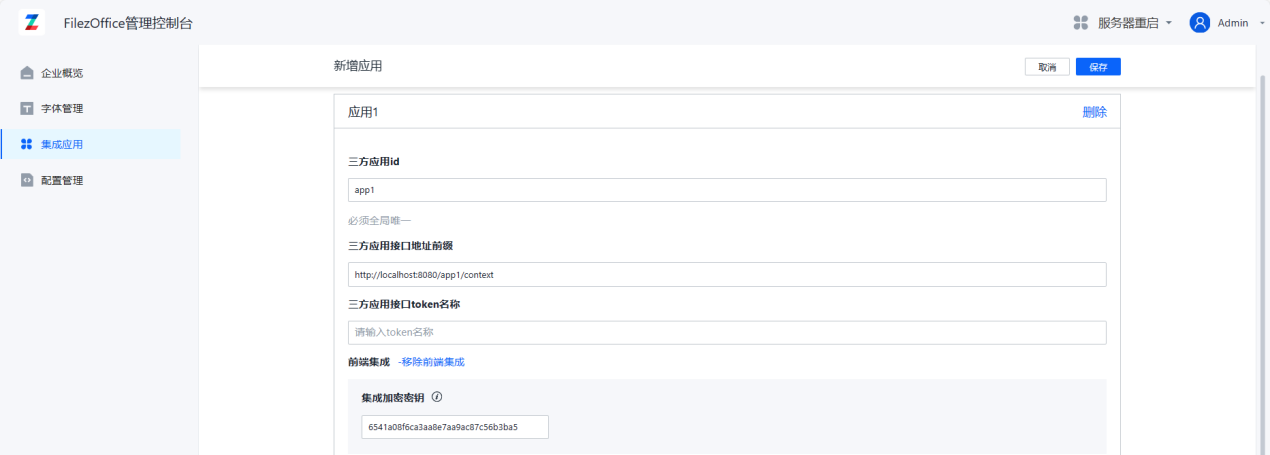
Click Add Application below to add multiple application integrations at the same time.
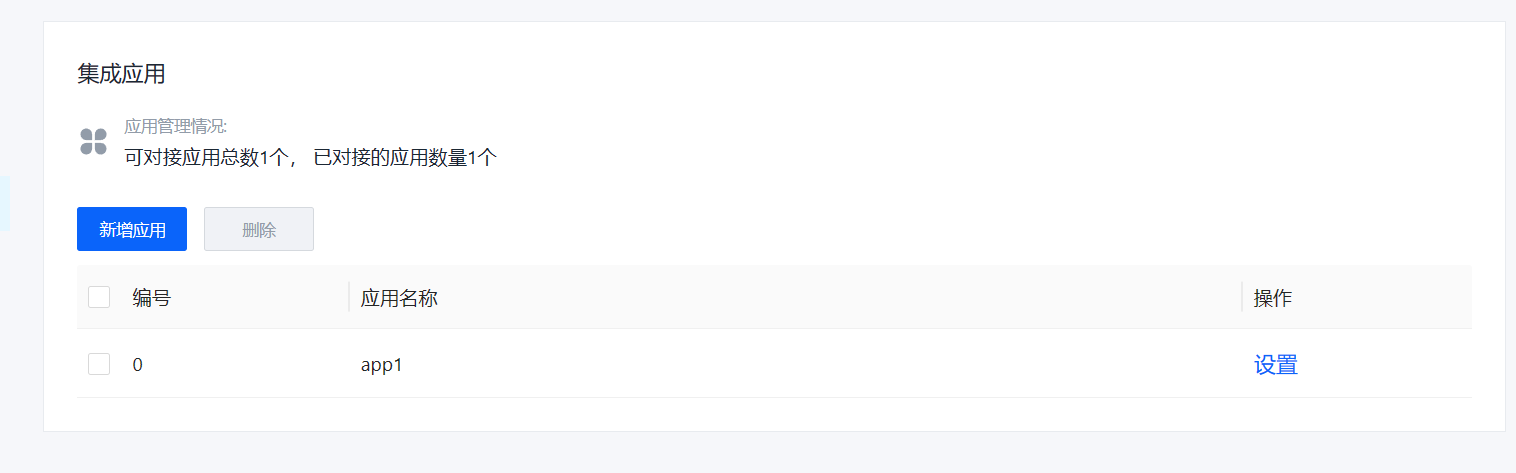
- After filling in, click Save. You can see the new application appear in the application list.