Important Terms
Before integrating with each application, the integration personnel of the business system need to determine: business system ID, business system callback context, and token name.
Document ID (docId)
That is, docId. Every file in a third-party system must have a unique document ID. The same file has the same ID. When a third-party system requests online editing/preview services, it needs to specify the docId for editing/previewing.
Call Example:
http(s)://${zOffice_domain}/docs/app/${app-id}/${docId}/${action}/content
Important Notes:
- docId is the ID that identifies the file, string type
- Cannot contain colon
: - Cannot have one ID corresponding to different files, one moment it's a Word file, the next moment it becomes a PDF file
- Cannot have the same file, this time editing uses this ID, next time editing uses another ID
Business System ID (appId/repoId)
When a third-party system requests online editing/preview services, it needs to specify the appId for the current request.
Call Example:
http(s)://${zOffice_domain}/docs/app/${app-id}/${docId}/${action}/content
Notes:
${app-id}in the URL is the business system's ID- This ID needs to be configured in the Filez Document Platform
Third-Party Business System Callback Context
Third-party business systems need to implement agreed-upon callback APIs, and the context of the callback address needs to be configured in the Filez Document Platform.
Example:
${context} = http://my.integration.com/zoffice/files
(Note: this URL does not have a trailing '/')
API Call Example: The get content API sent by zOffice (docId = 12168237), i.e., the file download callback API implemented by the business system is:
http://my.integration.com/zoffice/files/12168237/content
Third-Party Token Name
If the business system wants to include a token in the URL query parameter when calling the zOffice service entry address, such as (?zdocs_access_token=xxxxx). This token is a third-party token. Its name can be configured in the Filez Document Platform.
Important Restrictions:
- The token value cannot be in Chinese
- For example:
http(s)://oa.demo.com/docs/app/thirdparty-rest/123/edit/content?zdocs_access_token=token_valueis allowed, but using Chinese characters in the token value is not recommended - Because zOffice will send the token on the URL to the third-party system through Cookie, and Cookie cannot set Chinese values
- When a third party calls zOffice, if the token is in Chinese, it needs to be encoded into a string that Cookie can recognize
Third-Party Standard Integration Configuration
-
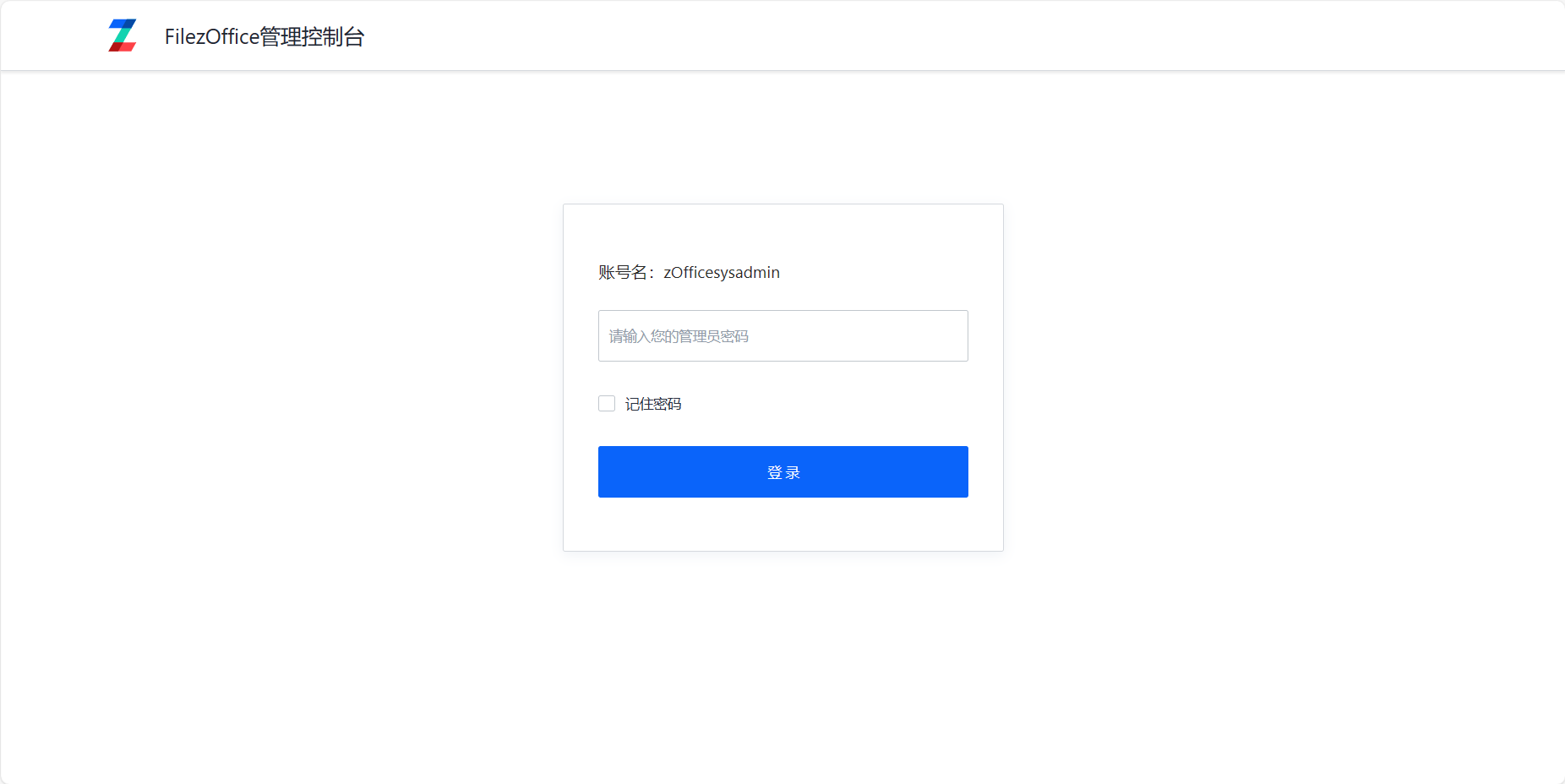
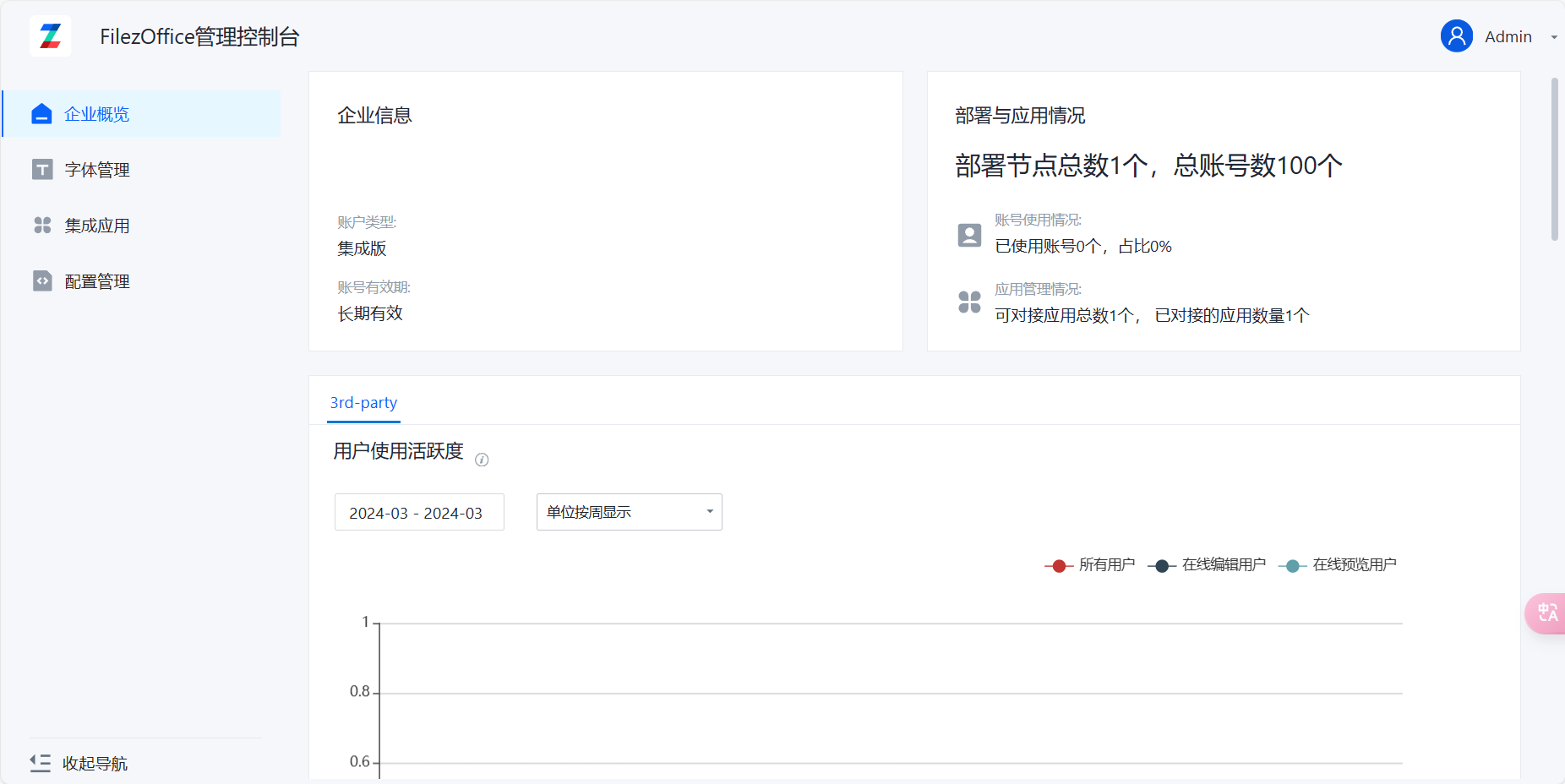
Log in to the management console (docs/app/admin), default password is admin.
-
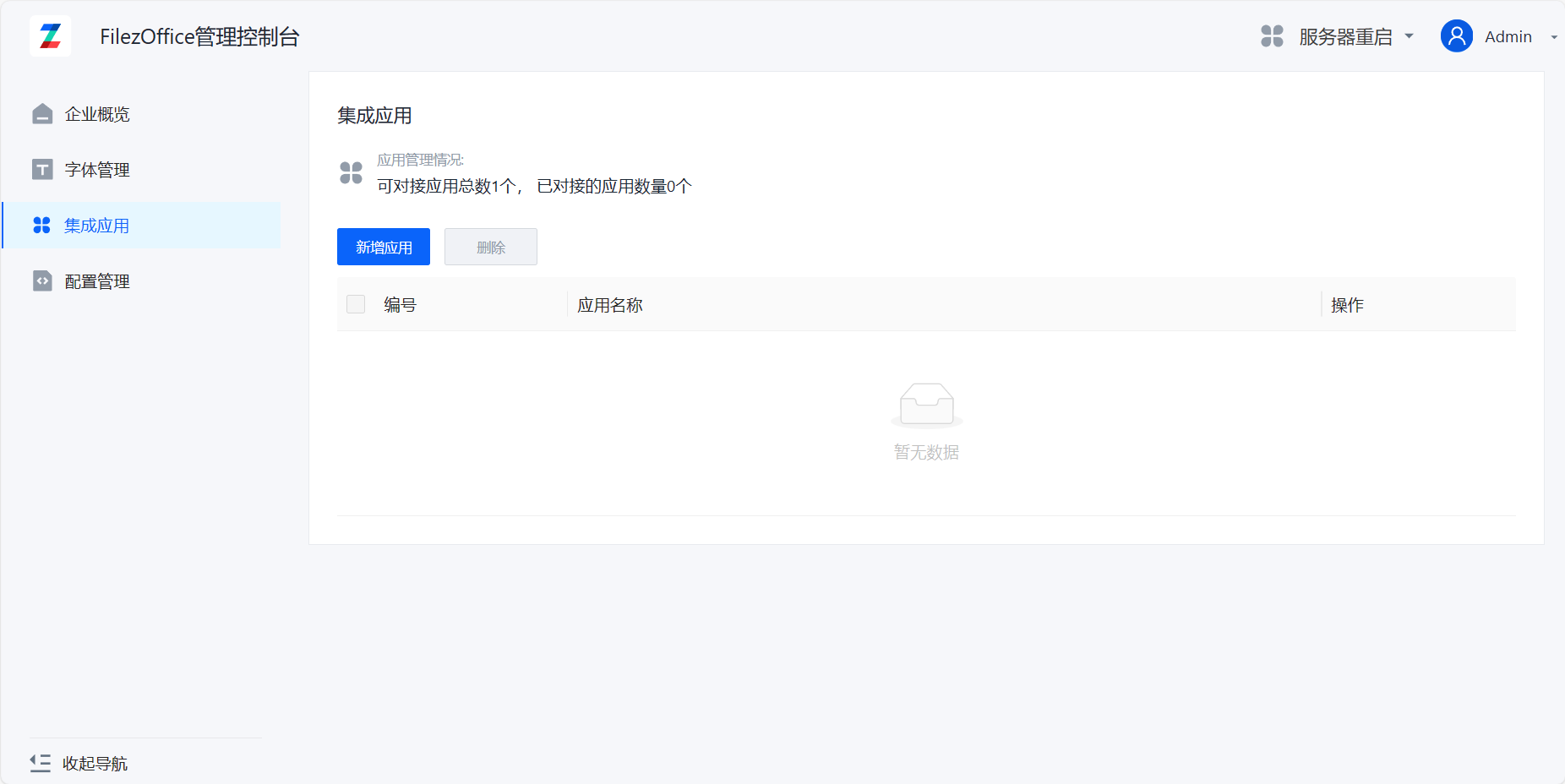
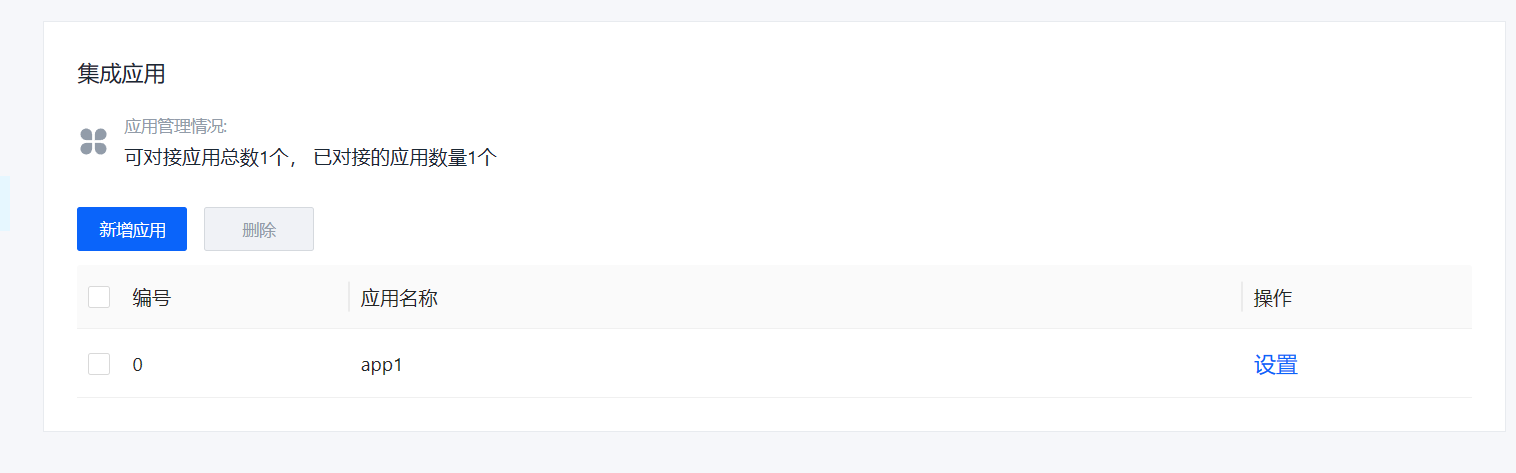
Click on Integration Applications to enter the integration configuration page
-
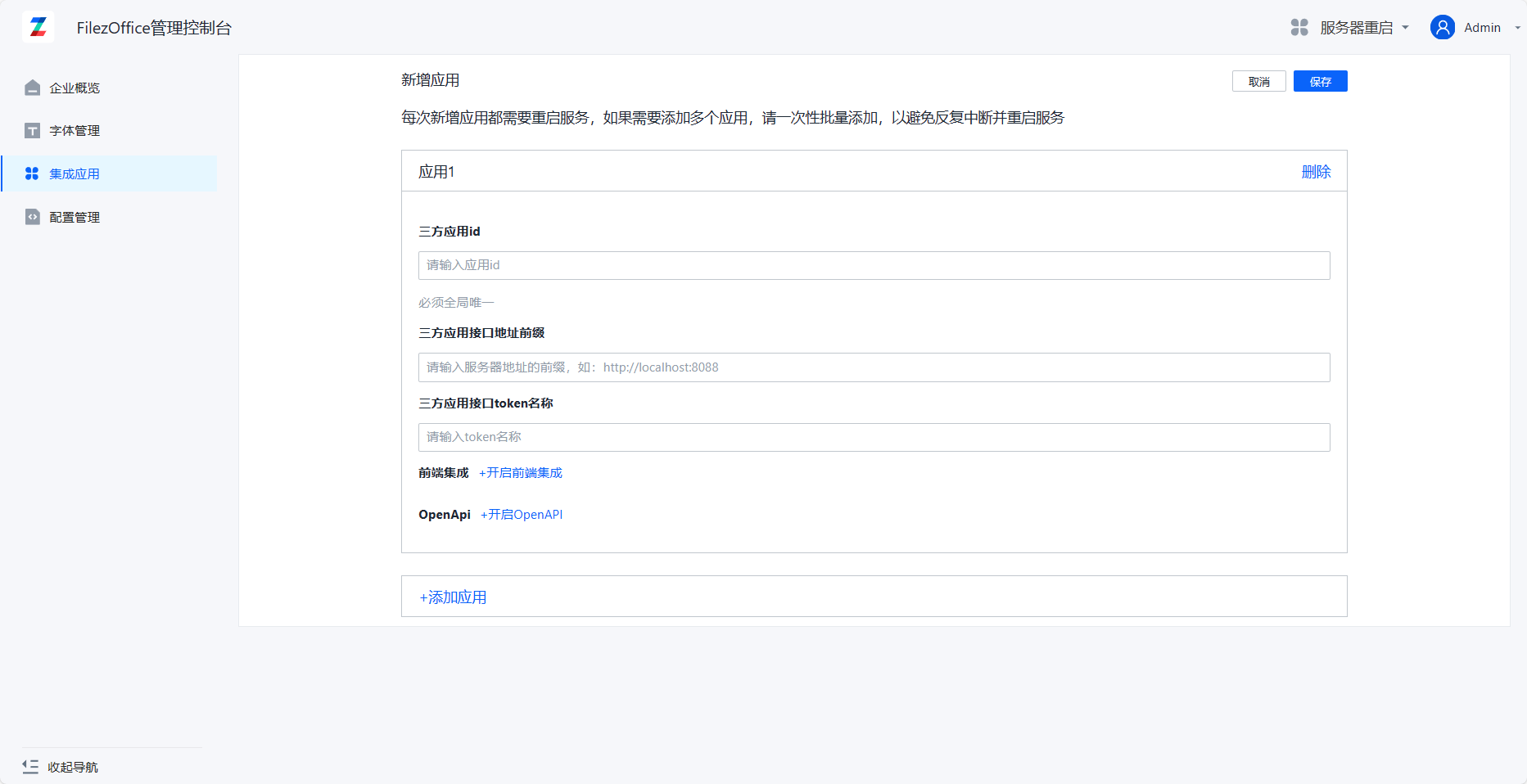
Click Add Application to enter the add application page
-
Fill in application information: Third-party Application ID and Third-party Application Interface Address are required fields, others are optional. Third-party Application Interface Token Name defaults to zdocs_access_token. Click Add Application below to add multiple application integrations at the same time.
-
After filling in, click Save. You can see the new application appear in the application list.
After completing the integration configuration, please ensure that all API interfaces can be accessed normally. It is recommended to verify in a test environment first.