Error Code 14000
Error Screenshot
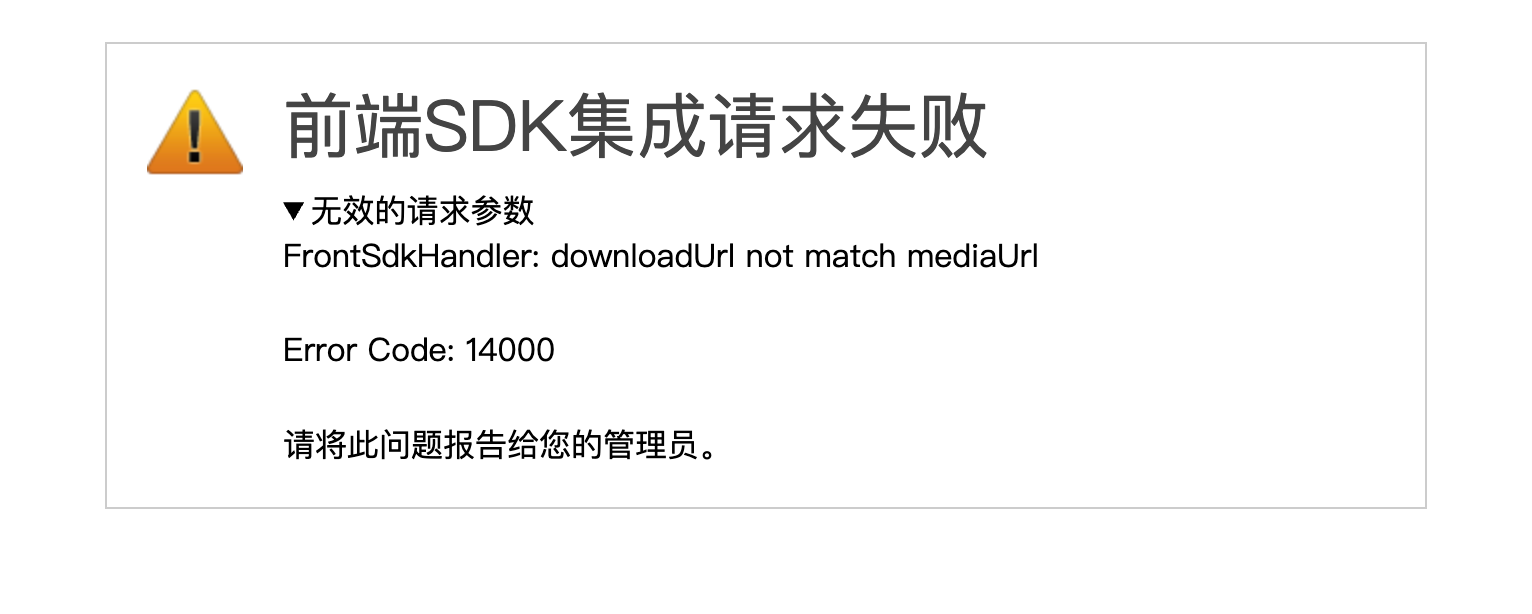
Error Description
Invalid request parameters: request parameters are missing, malformed, or failed validation.
Solution
Common Scenarios
| Error Message | Description |
|---|---|
token is required | The token field is missing from the request body |
params is required | The params field is missing from the request body |
params is not a valid JSON string | params is not a valid JSON string |
One of token/repoId/meta/downloadUrl is null | Required fields are missing from params |
The params decoded from the token is incomplete | The JWT payload is incomplete after decoding |
downloadUrl not match mediaUrl | The host of downloadUrl does not match the third-party API address |
uploadUrl not match mediaUrl | The host of uploadUrl does not match the third-party API address |
mentionUrl not match mediaUrl | The host of mentionUrl does not match the third-party API address |
notifyUrl not match mediaUrl | The host of notifyUrl does not match the third-party API address |
Missing token or params
In Frontend SDK integration mode, JSSDK sends a POST request to Filez Document Platform during initialization. The request body structure is as follows:
{
  "token": "JWT signature string",
  "params": "JSON string of the initialization config object"
}
Ensure both token and params are passed correctly. params should be a JSON string serialized from the complete initialization config object. See Configuration for field details.
params is not a valid JSON string
Verify that the value of params is a valid JSON string. Common mistakes include: passing a JavaScript object instead of a JSON string (use JSON.stringify() to serialize); unescaped special characters in the JSON string; missing quotes or brackets during string concatenation.
Required parameters missing
params must include meta (at minimum id, name, modified_at, and permissions), userinfo (at minimum id), and repoConfig.downloadUrl. The JWT token payload must also be complete: meta.id, meta.permissions.read and meta.permissions.write (boolean values), userinfo.id, repoConfig.id, and openConfig.action (value must be edit or view). See Configuration and Signature for complete requirements.
URL host mismatch
The hosts of downloadUrl, uploadUrl, notifyUrl, and mentionUrl (if provided) in repoConfig must match the host of the third-party API address configured in the admin console (including hostname and port). For example, if the third-party API address is https://demohost:8080/v2/context, then downloadUrl should follow the format https://demohost:8080/v2/context/{docId}/content. If the host in the URL does not include a port, the related configuration should not include a port either; when protocols (http/https) differ, host comparison is still based on hostname and port. See Preparation for admin console configuration.