Error Code 14002
Error Screenshot
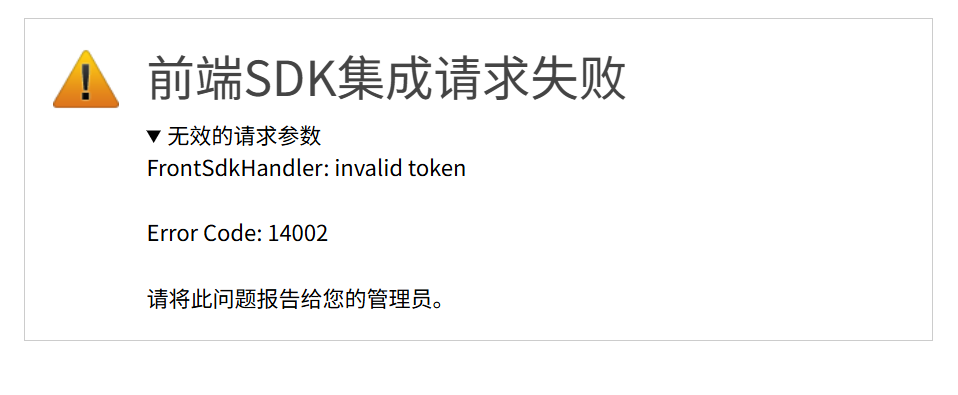
Error Description
Invalid token. The token uses the JWT format with the HS256 algorithm. Filez Document Platform verifies it using the integration encryption key (secret) configured for the application. This error is returned when verification fails for reasons other than expiration.
Solution
Verify secret consistency
The secret used by the business system server to sign the token must exactly match the integration encryption key configured for the application in the admin console. A mismatched secret is the most common cause. Ensure there are no extra spaces or line breaks before or after the key, and confirm you are using the Frontend SDK integration key, not a key from another integration method.
Verify signing algorithm and generation
The token must be signed using the HS256 algorithm. Compare your implementation with the example in Signature, and check the signing library, algorithm selection, and generation flow.
Verify token format
The token must be a complete JWT string (header, payload, and signature parts separated by .). Do not add extra quotes or encoding around the token, and confirm it has not been truncated or corrupted.