Error Code 14001
Error Screenshot
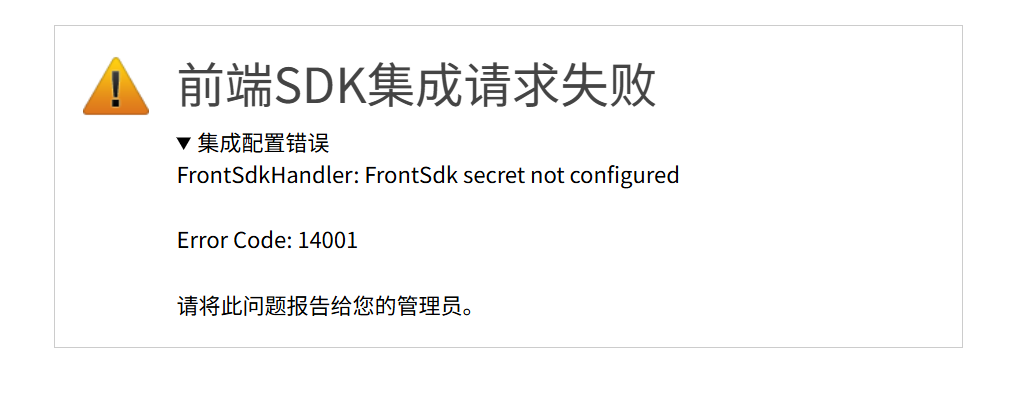
Error Description
Frontend SDK integration configuration error: server-side configuration is incomplete and request validation cannot be completed.
Solution
Common Scenarios
| Error Message | Description |
|---|---|
FrontSdk secret not configured | The Frontend SDK integration encryption key is not configured for the application |
Can not get mediaUrl | Unable to retrieve the third-party API address (mediaUrl) |
Integration encryption key not configured
In the admin console, go to application integration settings, find the corresponding application, and confirm that Frontend SDK Integration is enabled and the Integration Encryption Key is filled in. Generate a key with openssl rand -base64 64 and save it in both the admin console application configuration and the business system server (for JWT signing and verification). See Preparation for detailed steps.
Unable to retrieve third-party API address
Filez Document Platform cannot read the third-party API address (mediaUrl) from the application configuration. Check that the application has been created in the admin console, the third-party API address is filled in correctly (required field), and Frontend SDK Integration is enabled. Save the configuration and try loading the document again.