No Network Connection Error
If when users edit/preview documents online, the online editing/preview page reports the following
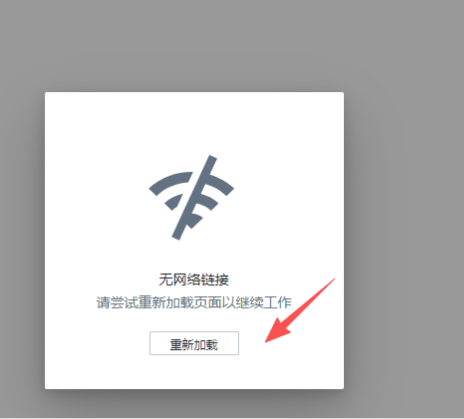 And the browser console reports the following error

This indicates that the websocket connection has a problem. Filez Document Platform uses the websocket protocol. From the client to the server, if there is a proxy in between, it must support websocket. If there is Nginx, you also need to add the /ws route.
location /ws/{

        proxy_pass http://{zOffice-server-ip}:8001;

        proxy_http_version 1.1;

        proxy_set_header Upgrade $http_upgrade;

        proxy_set_header Connection "upgrade";

        proxy_set_header Host $host;

}